Load the sheet
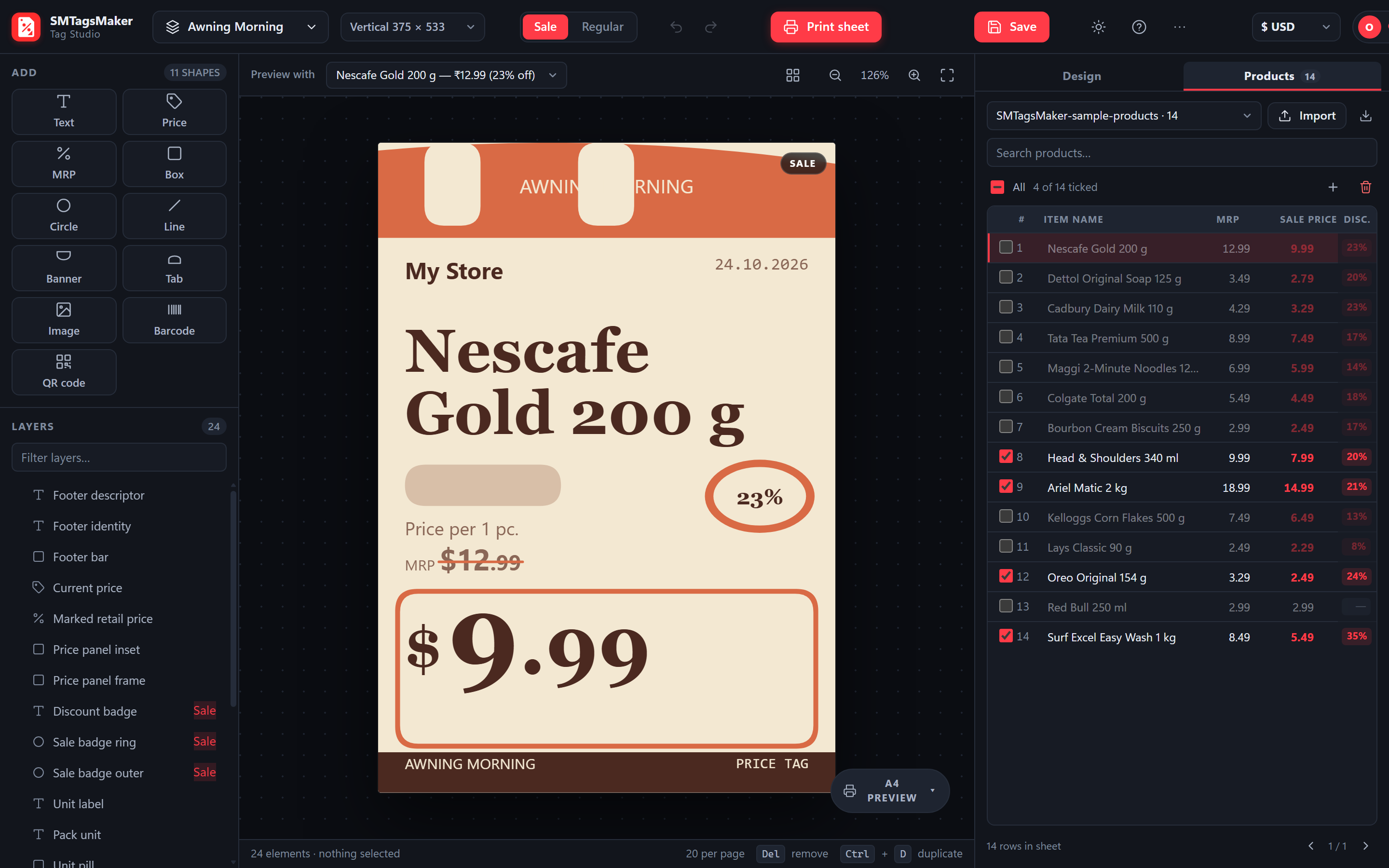
Drop in the price list you already keep. Columns are matched by name, prices edit inline, and the discount is calculated from MRP and sale.
- Columns matched by name, so an existing export works
- Blank and barcode-only rows skipped
Upload the sheet you already keep, pick a design, tick the rows. Twenty tags per A4 page, cut marks included.
No install · no card · sample workbook inside
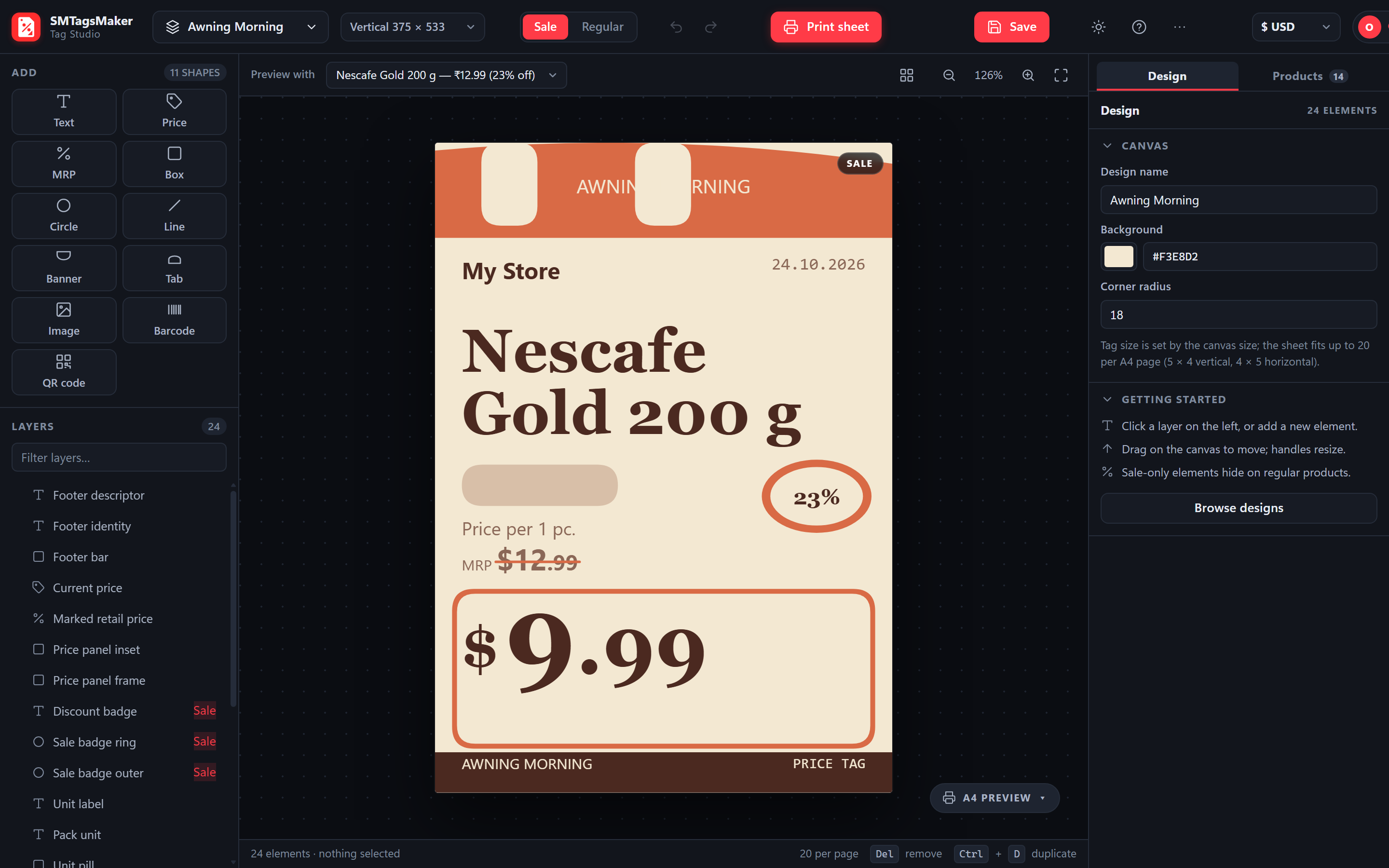
No talking, no mockups — the real studio being used.
Drop in the price list you already keep. Columns are matched by name, prices edit inline, and the discount is calculated from MRP and sale.
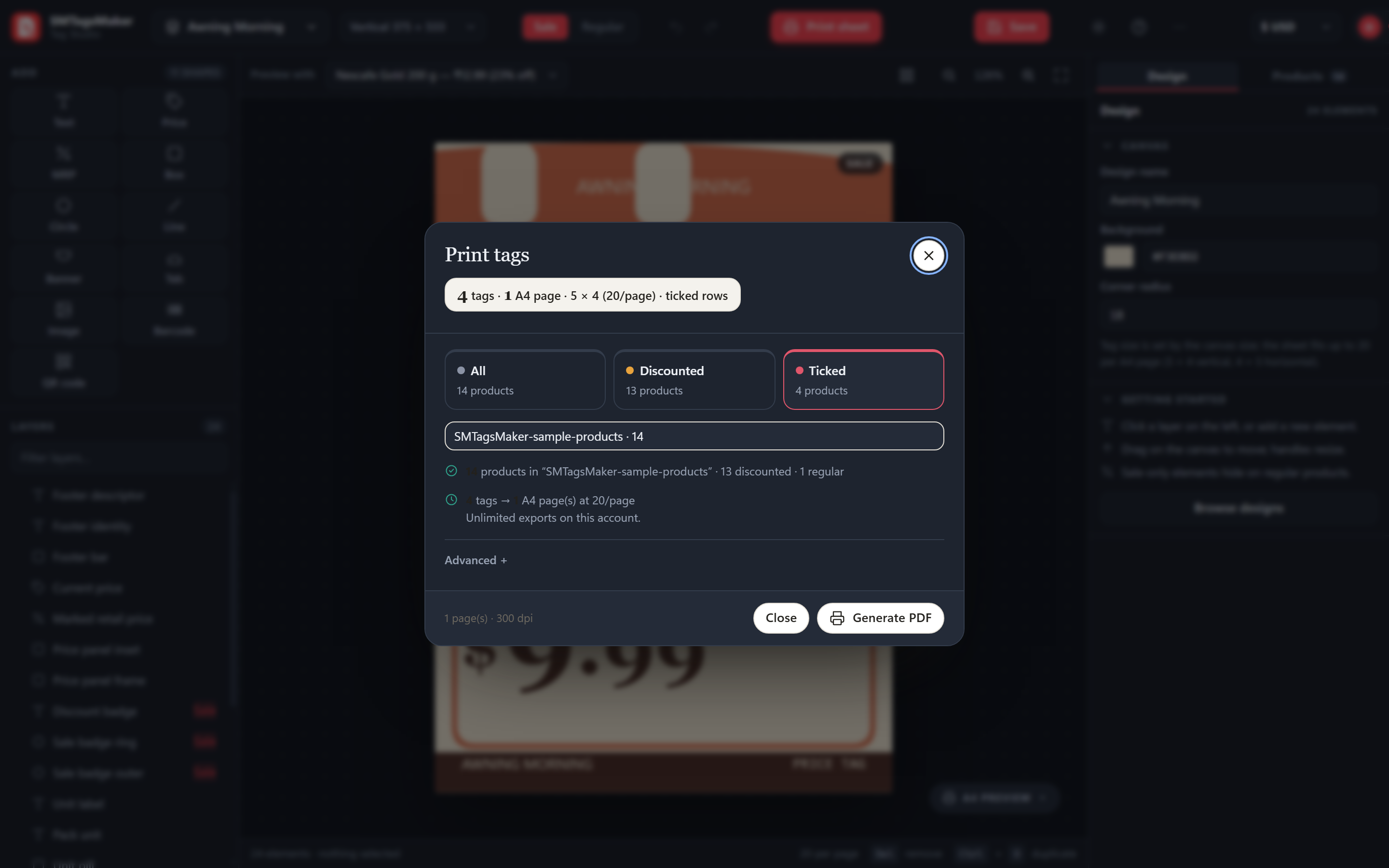
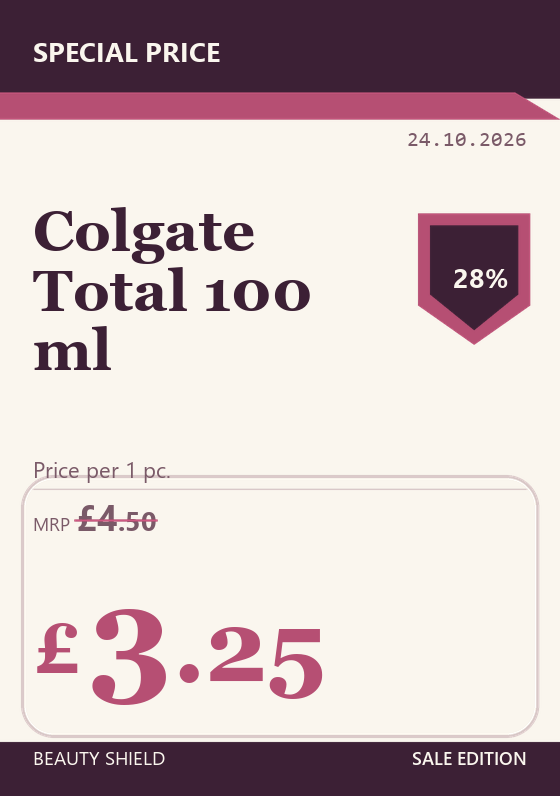
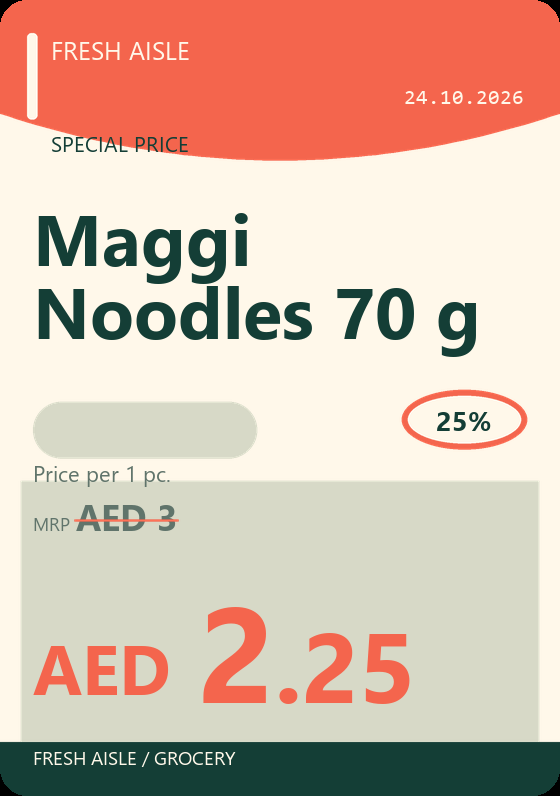
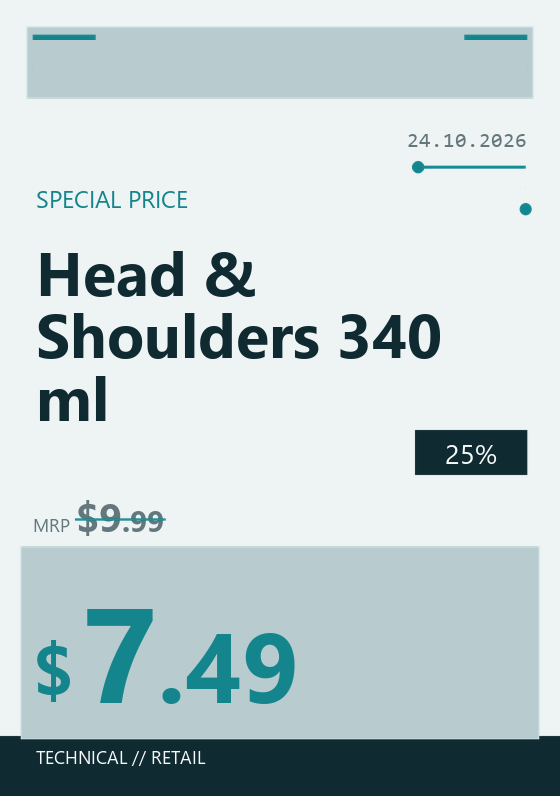
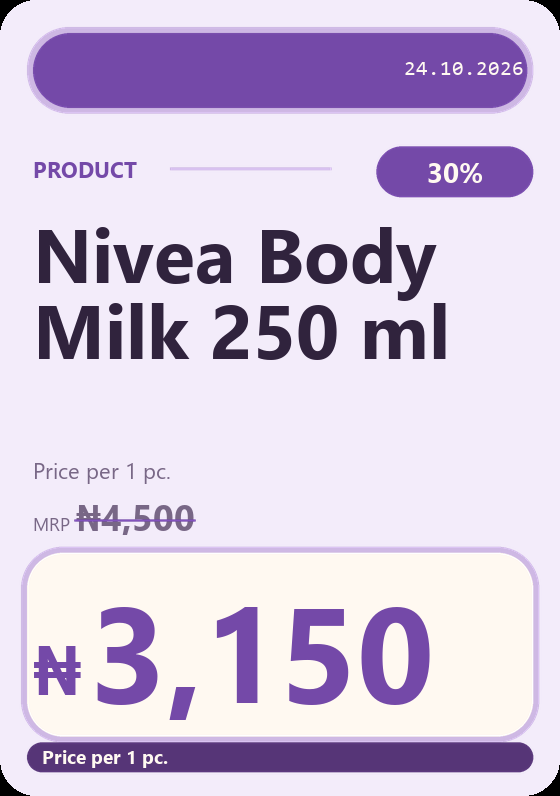
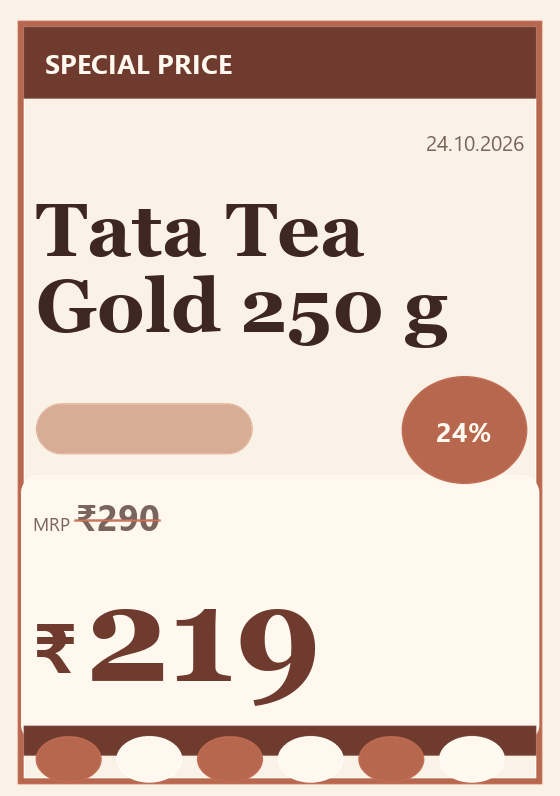
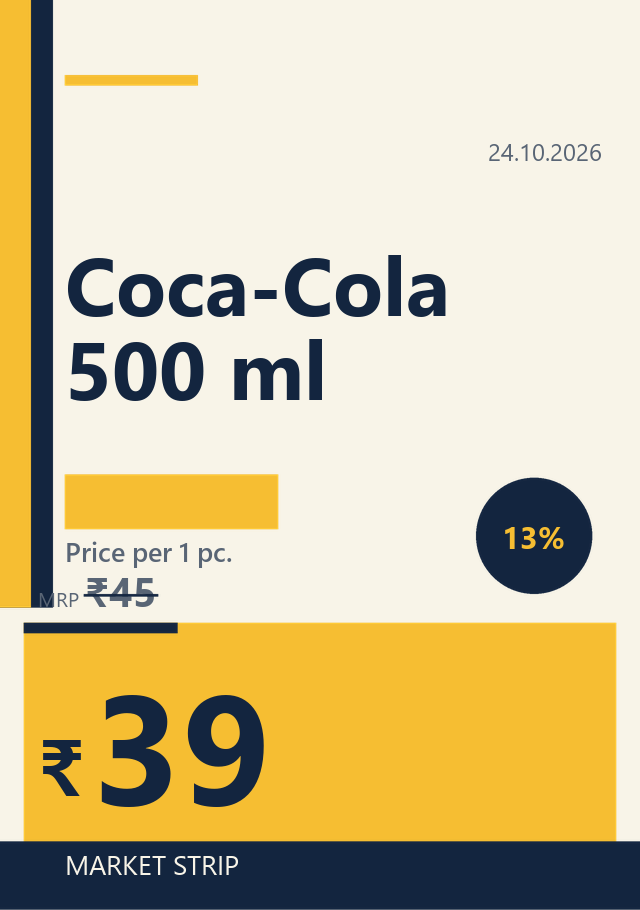
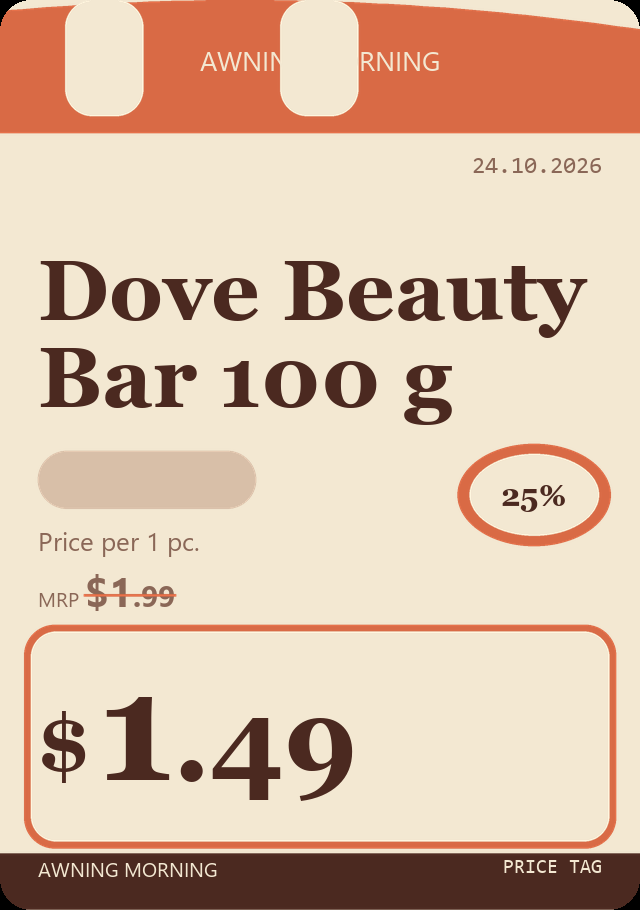
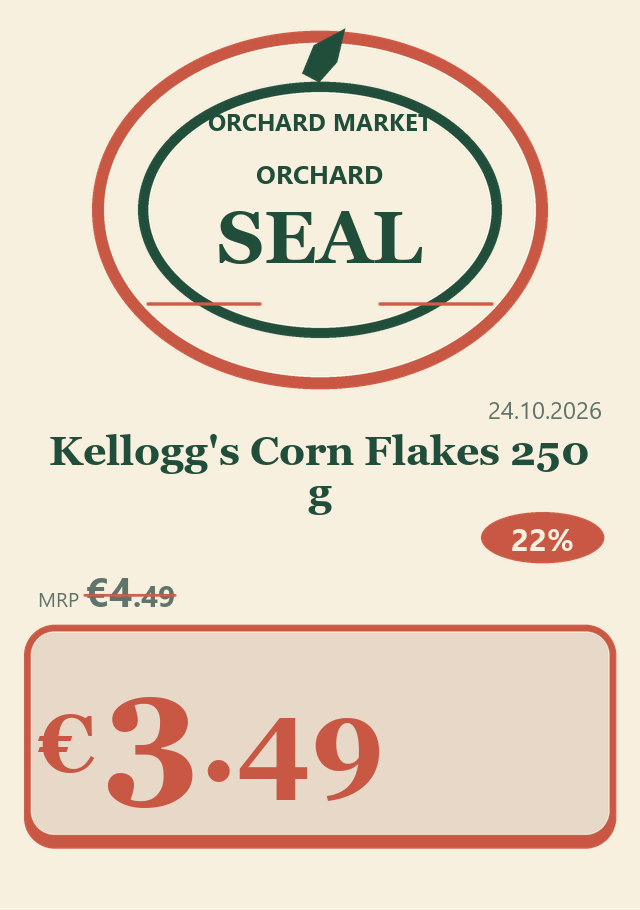
Twelve templates across grocery, bakery, pharmacy and hardware. Select several layers at once, group them, flip the tag to landscape — the A4 preview updates live.
Only ticked rows print. The grid fits itself to the tag size — twenty per A4 — and pages split automatically. One PDF, cut marks included.
Every tag in that aisle came off one A4 sheet — printed at the counter, guillotined, and clipped in before the shutters went up.
The same design prints in rupees, dollars, pounds or naira — symbol, decimals and grouping handled per currency.
Twelve designs in the licence — grocery, bakery, pharmacy and hardware families.
One payment, unlimited exports, no subscription.
An Item Name and an MRP column. Sale Price is optional — without it the tag prints at MRP. Columns are matched by name, so an existing export works as-is.
Up to twenty per A4 page — 5 × 4 for vertical tags, 4 × 5 for horizontal. The app picks the grid from the tag size and paginates your selection.
One generated PDF, however many pages. A free account generates one; the licence removes the counter entirely.
It lives in your account and is used only to build your tags. See the privacy policy.
Sign in, upload the sheet, pick a design. The sample workbook is inside.